


API Center is an inventory and governance layer for all of your APIs. Think of it as the catalogue that answers “what APIs do we have, who owns them, are they any good, and where are they deployed?” for your organisation.
It isn’t a gateway, though. There’s no routing, no auth enforcement, no rate limiting, that’s all still APIM’s job. APIM is the runtime that traffic actually flows through, and API Center is the catalogue alongside it, keeping track of everything APIM (and the rest of your estate) is serving. The two are complementary.
You can fill the catalogue a few ways: register APIs manually, sync them from a Git repo, or link an existing APIM instance and let it populate itself. I’d argue the third option is the one you want in most cases, and it’s what I’m covering in the blog.
Why integrate APIM to APIC?
Your API inventory stays accurate on its own. The link turns on continuous one-way sync, so new APIs, new versions, and deletions in APIM flow through without anyone having to remember to copy anything across. That matters when you want one place to discover APIs across the organisation without relying on every team to keep a catalogue updated by hand.
- It’s the fastest way to fill the catalogue. One integration brings your whole APIM estate over, rather than you registering APIs one at a time.
- Any MCP and A2A agent APIs in APIM sync as well so it’s not tied to just REST APIs.
- The biggest benefit is that you get the API Center Standard plan for free. Linking an eligible APIM instance (Standard, Standard v2, Premium, or Premium v2) upgrades API Center to Standard at no extra cost, and Standard is what unlocks the linting and MCP features. Developer tier doesn’t count.
When you link APIM, API Center creates an environment of type Azure API Management, syncs the APIs across, and can pull the definitions in as well depending on how you configure importSpecification. The sync is one-way from APIM to API Center, so the catalogue follows APIM, but changes you make in API Center won’t flow back into APIM.
How to setup the APIM integration?
Below is a full Bicep template to deploy APIC and link an APIM instance. apiSources is the resource doing the work, it is the integration. importSpecification: 'ondemand' pulls a definition when something asks for it; set it to 'always' to bring every spec across as it changes, or 'never' to sync metadata only.
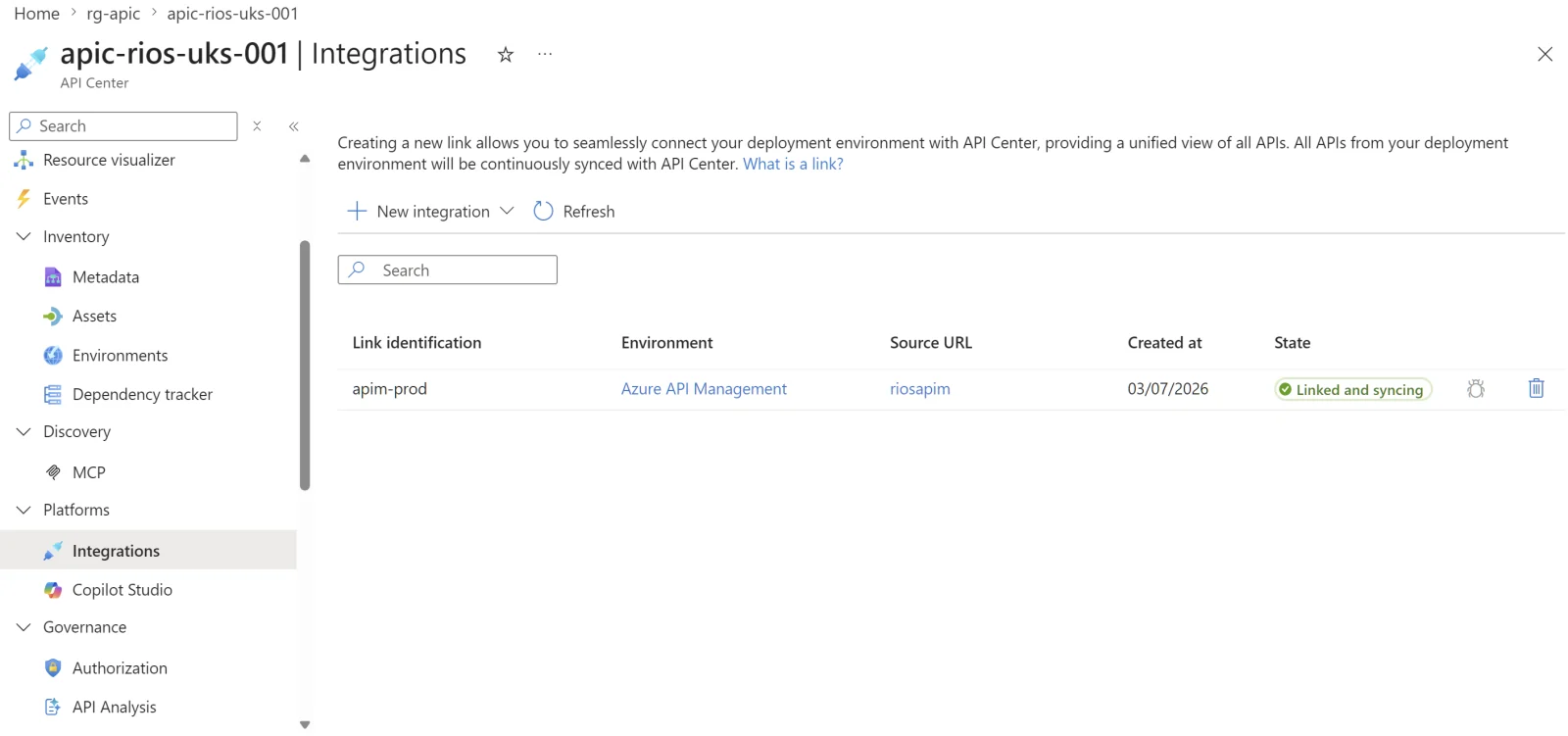
If you’d rather click, it’s Platforms > Integrations > New integration > From Azure API Management in the API Center blade, with a checkbox to auto-configure the identity and permissions. There’s also a shortcut from the APIM side: under APIs > API Center, pick a target API center and it sets the sync up for you. You can sync the whole instance or scope it to a single APIM workspace.
Just a note that the API Center managed identity needs the API Management Service Reader Role on the APIM instance. That’s the permission that lets API Center read the API inventory and keep the catalogue in step.
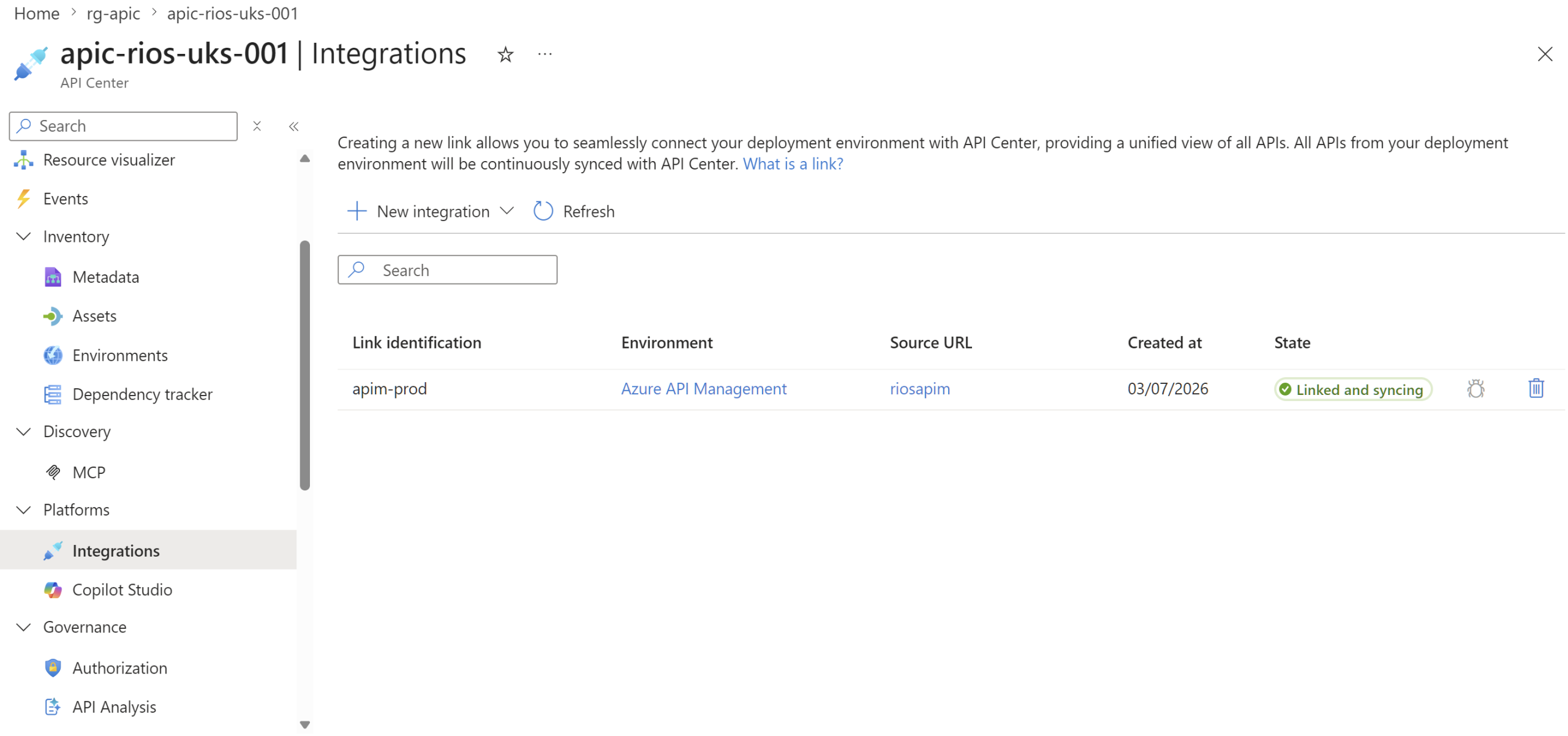
The New integration blade with From Azure API Management selected, and the checkbox that auto-configures the managed identity and the API Management Service Reader role.
metadata name = 'API Center Service'
metadata description = 'Deploys an Azure API Center service (Free plan by default) using the latest available API version in this subscription.'

@description('Required. Name of the API Center service.')
@minLength(3)
@maxLength(90)
param name string

@description('Optional. Location for the API Center resource.')
param location string = resourceGroup().location

@description('Optional. Tags to apply to the API Center service.')
param tags object = {}

@description('Optional. Enable system-assigned managed identity on the API Center service.')
param enableSystemAssignedIdentity bool = false

@description('Optional. Set true only when restoring a soft-deleted API Center resource with the same name.')
param restore bool = false

@description('Optional. API Center SKU.')
@allowed([
  'Free'
  'Standard'
])
param apicSku string = 'Free'

@description('Required. Name of the existing API Management service to sync from.')
param apimName string

@description('Optional. Name of the API source resource created under the default workspace.')
param apiSourceName string = 'apim-prod'

@description('Optional. Import mode for the APIM source.')
@allowed([
  'ondemand'
  'continuous'
])
param importSpecification string = 'ondemand'

@description('Optional. Lifecycle stage applied to imported APIs.')
@allowed([
  'production'
  'staging'
  'testing'
  'development'
])
param targetLifecycleStage string = 'production'

resource service 'Microsoft.ApiCenter/services@2024-06-01-preview' = {
  name: name
  location: location
  tags: tags
  sku: {
    name: apicSku
  }
  identity: enableSystemAssignedIdentity
    ? {
        type: 'SystemAssigned'
      }
    : null
  properties: restore
    ? {
        restore: true
      }
    : {}
}

resource apim 'Microsoft.ApiManagement/service@2023-05-01-preview' existing = {
  name: apimName
}

resource defaultWorkspace 'Microsoft.ApiCenter/services/workspaces@2024-06-01-preview' existing = {
  parent: service
  name: 'default'
}

resource apimReader 'Microsoft.Authorization/roleAssignments@2022-04-01' = if (enableSystemAssignedIdentity) {
  name: guid(apim.id, service.id, '71522526-b88f-4d52-b57f-d31fc3546d0d')
  scope: apim
  properties: {
    roleDefinitionId: subscriptionResourceId('Microsoft.Authorization/roleDefinitions', '71522526-b88f-4d52-b57f-d31fc3546d0d')
    principalId: service.identity.principalId
    principalType: 'ServicePrincipal'
  }
}

resource apimSource 'Microsoft.ApiCenter/services/workspaces/apiSources@2024-06-01-preview' = {
  parent: defaultWorkspace
  name: apiSourceName
  properties: {
    azureApiManagementSource: {
      resourceId: apim.id
    }
    importSpecification: importSpecification
    targetLifecycleStage: targetLifecycleStage
  }
}

@description('The name of the API Center service.')
output serviceName string = service.name

@description('The resource ID of the API Center service.')
output serviceResourceId string = service.id

@description('The deployment location of the API Center service.')
output serviceLocation string = service.location

@description('The resource ID of the API source under the default workspace.')
output apiSourceResourceId string = apimSource.id
It’s worth noting that the Bicep type has an inaccuracy in the SKU property is missing… but it doesn’t block deployment.
Then in Inventory > Assets, you’ll see your APIs sync in:
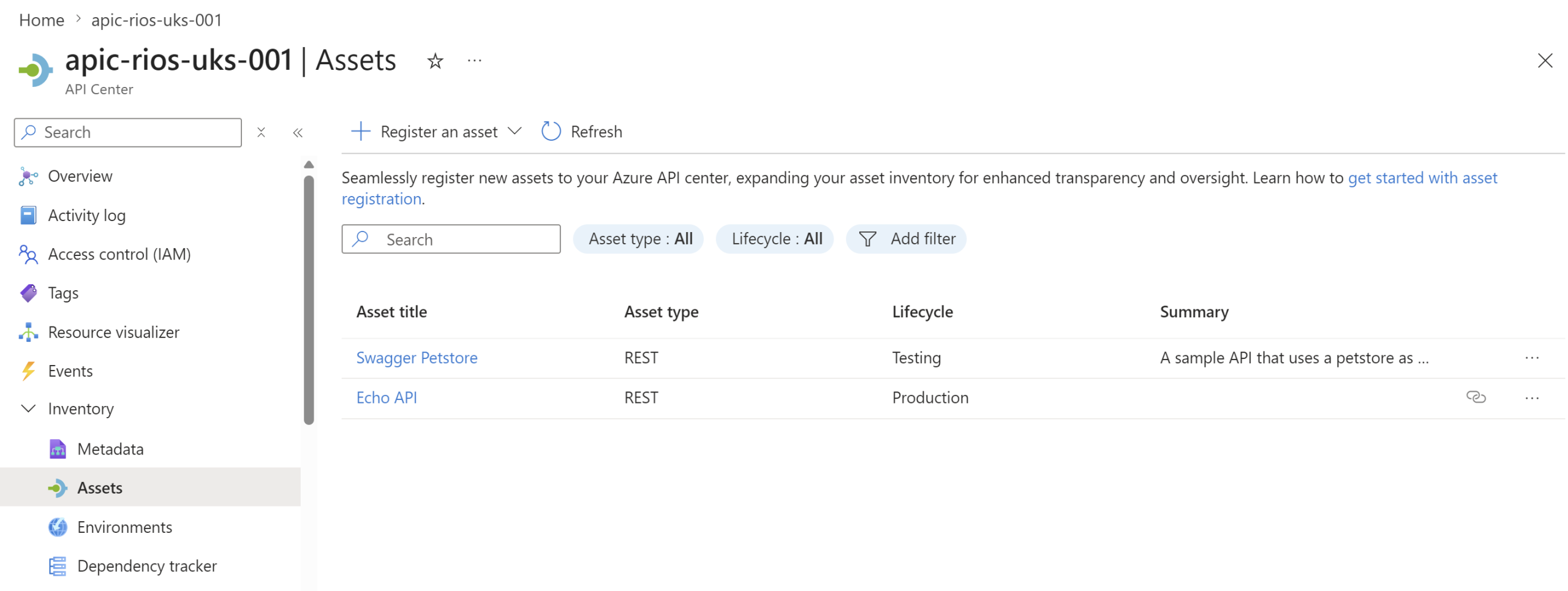
And it’s a simple as that!
reply